
Mesh | Extrude
This tool extrudes selected polygons.
To extrude polygons in the viewport, drag along normal of polygon. The extrusion also may take place along the average normal of selected polygons.
Example
| Before extrusion | After extrusion |
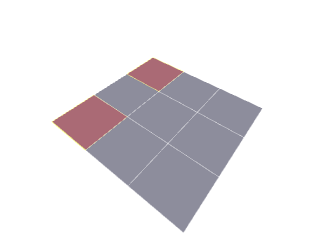 |
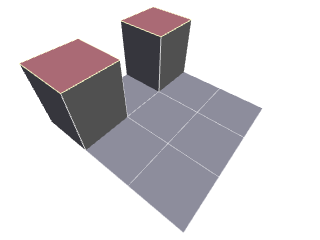 |
There is an option in Tool Inspector Panel on how to handle side faces:
| Create Sides |
This option is mostly helpful if you want to extrude same faces for the second or more time. |
| Segments | Additional subdivision of sides. This option is available after extrusion only. |
Example
| Initial object | Auto | Always |
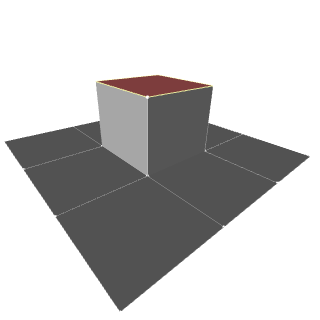 |
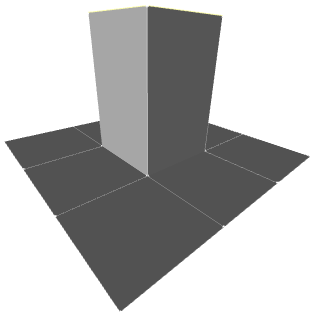 |
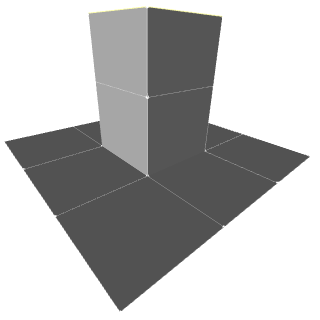 |
| Side faces are extended | New side faces are creted and may be extruded in different direction. |